
How to revoke a replay share link in YakDesk
A share link lets anyone who has it watch one session replay. Once the person you sent it to is done, or the link was sent to the wrong person, revoke it so it stops working.
Before you start
- A session replay you've shared (see Share a session replay)
Plays silently with captions; the narrated version is on its way.
Transcript
Turn off a replay link you shared, so it stops working for everyone.
Open the shared session's replay. The client share link is at the top, next to a Revoke button.
Select Revoke. The link is turned off straight away, and anyone who opens it can no longer watch the replay. Share with client takes its place, if you need a new link later.
Steps
Open the shared replay ▶ 0:06
Open the session's replay page. The active link is shown in Client share link.
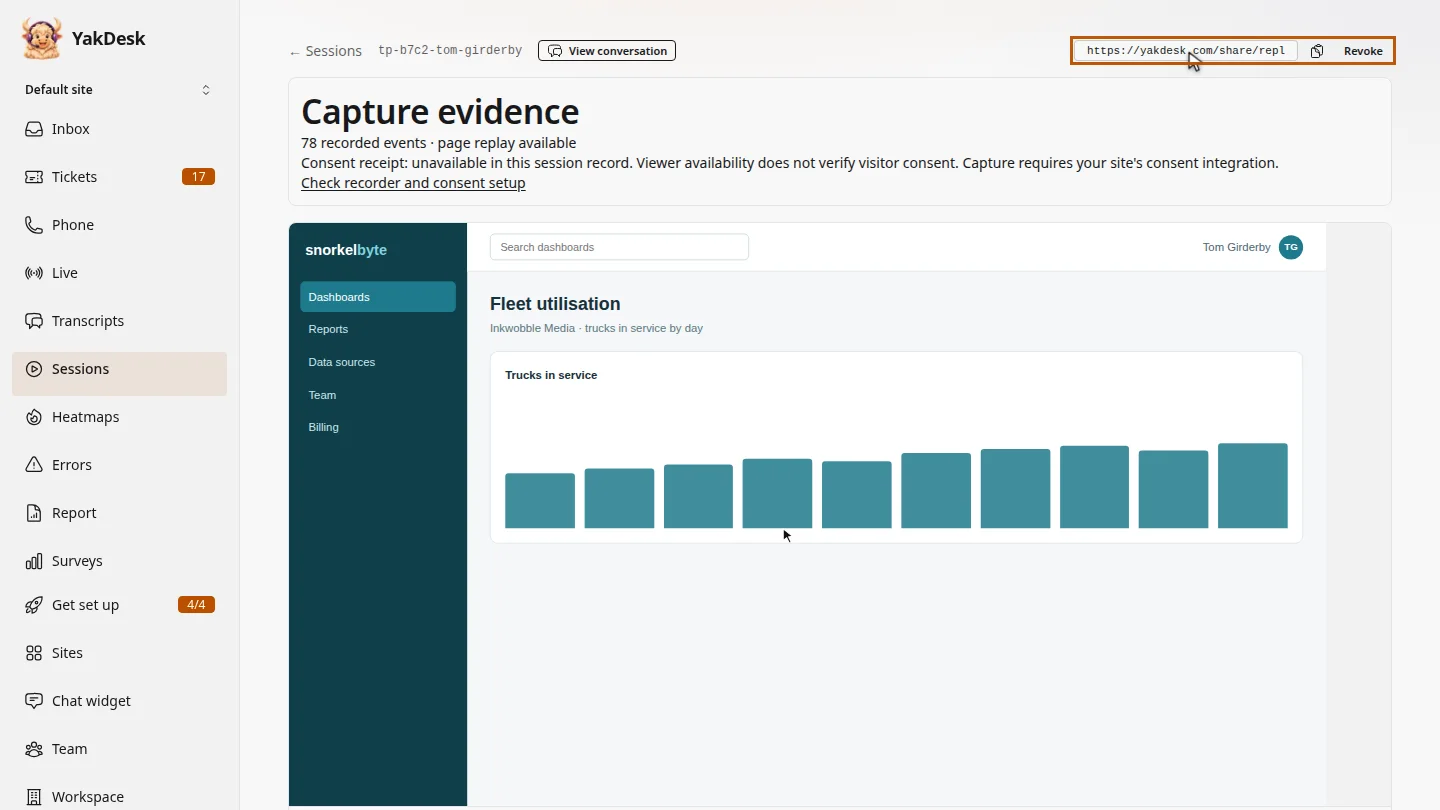
Revoke the link ▶ 0:13
Select Revoke. The link is removed and Share with client appears in its place.
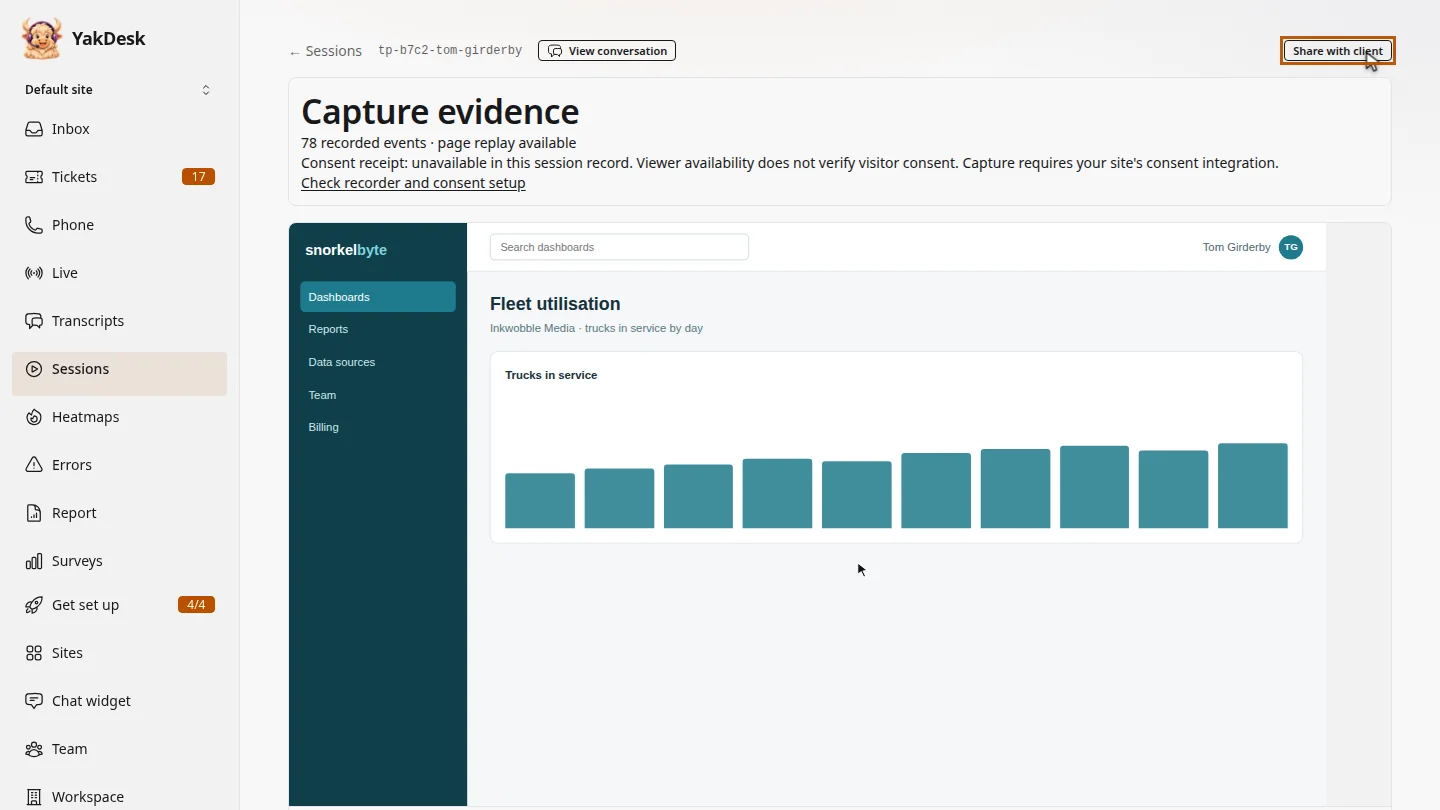
ResultThe old link no longer opens the replay. Share with client creates a new link if you need one later.
Next steps
Updated 2026-11-09
unshare replay disable share link stop sharing recording revoke link