
How to share a session replay in YakDesk
Sometimes the person who needs to see a replay doesn't have a YakDesk login, such as a developer at the customer's company or a contractor. A share link lets them watch that one session, and you can revoke it at any time.
Before you start
- A recorded session
Plays silently with captions; the narrated version is on its way.
Transcript
Show one recorded session to someone who doesn't have a YakDesk login, with a private link.
On the replay page, select Share with client. A private link to this one session appears.
Copy the link and send it. When they no longer need it, select Revoke, and the link stops working.
Steps
Create the link ▶ 0:07
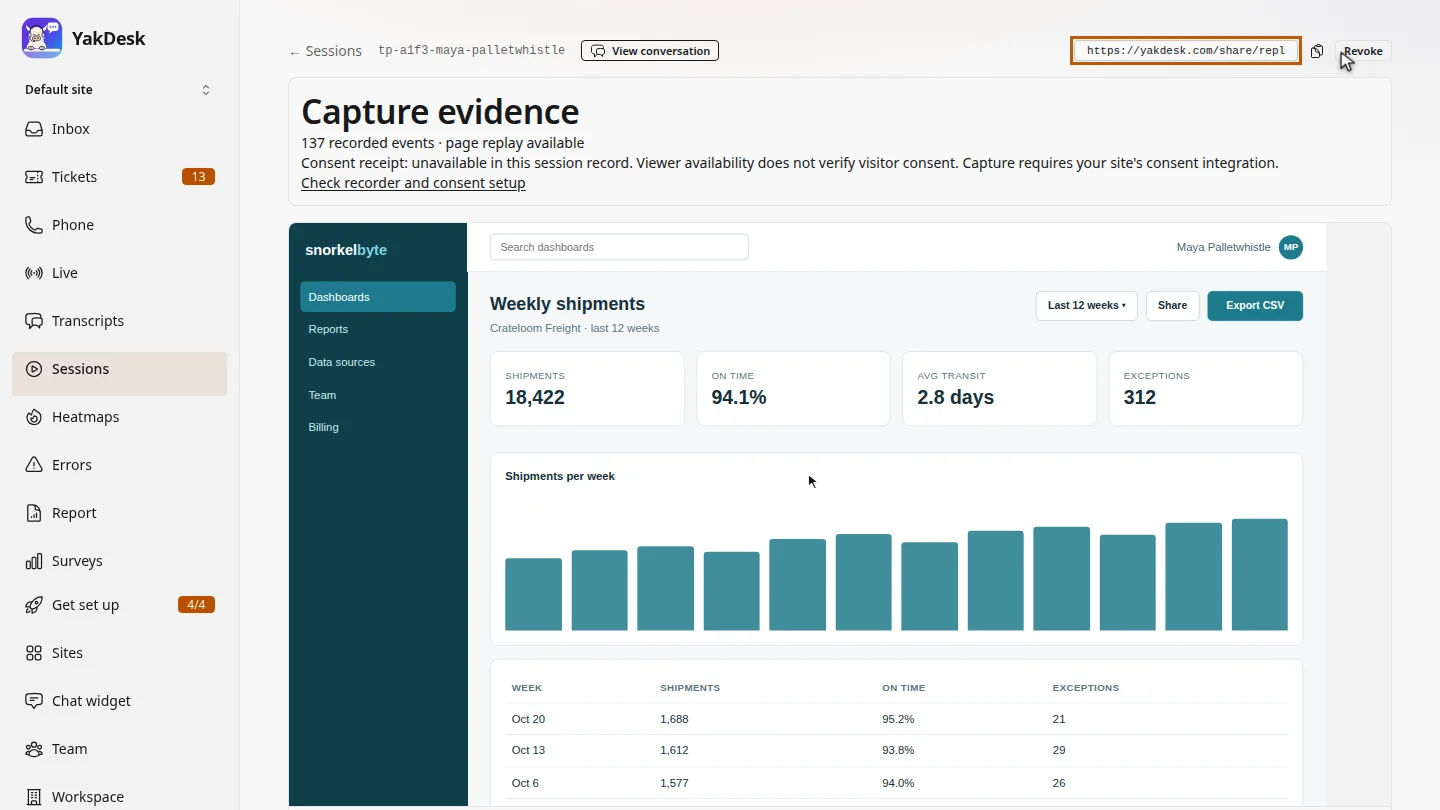
On the replay page, select Share with client. The share link appears.
Copy or revoke it ▶ 0:14
Select the copy button next to the link and send it. Select Revoke to turn the link off.
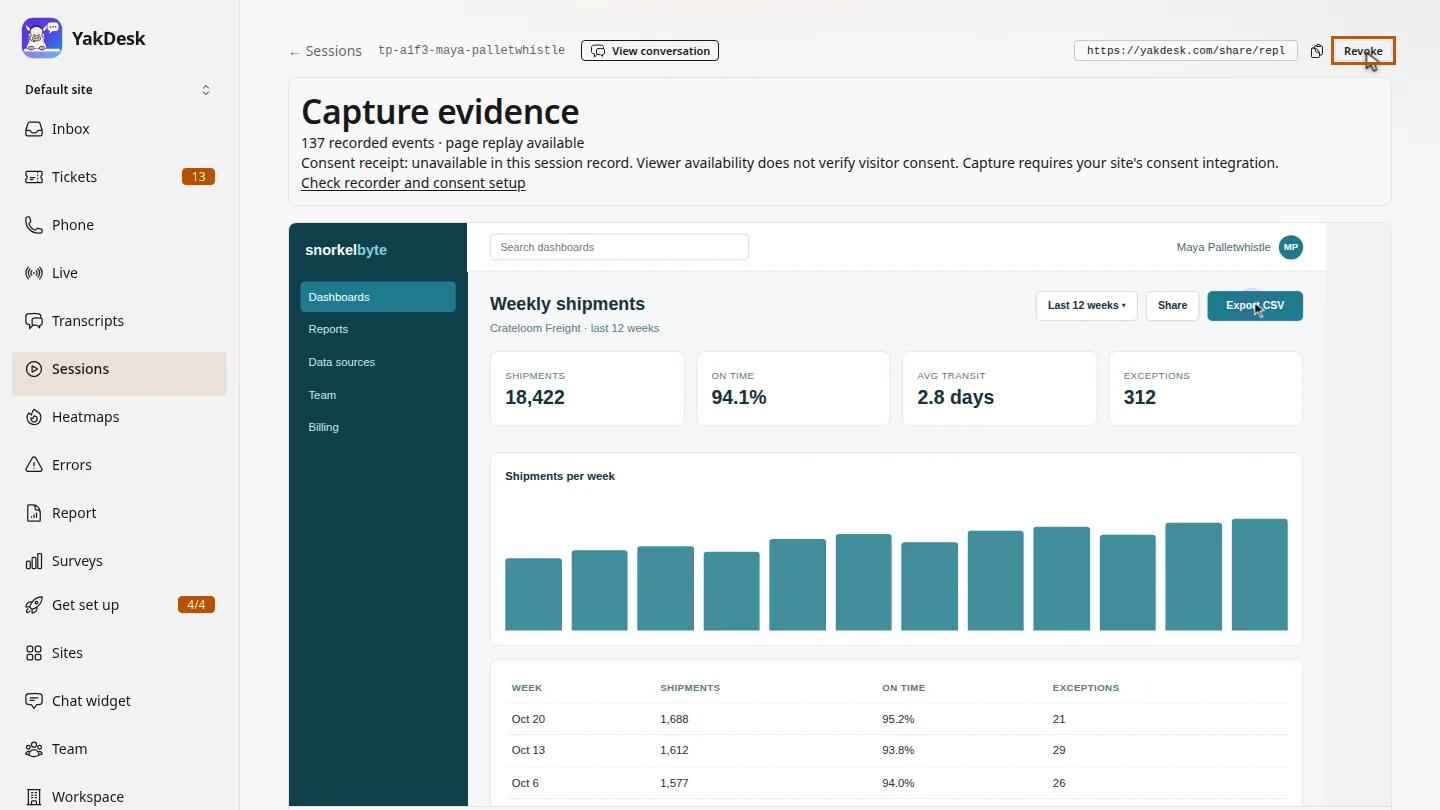
ResultAnyone with the link can watch that one replay until you select Revoke.
Next steps
Updated 2026-10-26
share recording replay link send replay to developer