
How to watch a live visitor in YakDesk
When a customer is stuck on your site right now, a replay from later is too late. Live lists everyone browsing at this moment, and you can follow one visitor's session as it happens, so you see the problem while you're still talking to them.
Before you start
- The session recorder installed on your site (see Install the session recorder)
Plays silently with captions; the narrated version is on its way.
Transcript
Follow a visitor around your site while they're still on it.
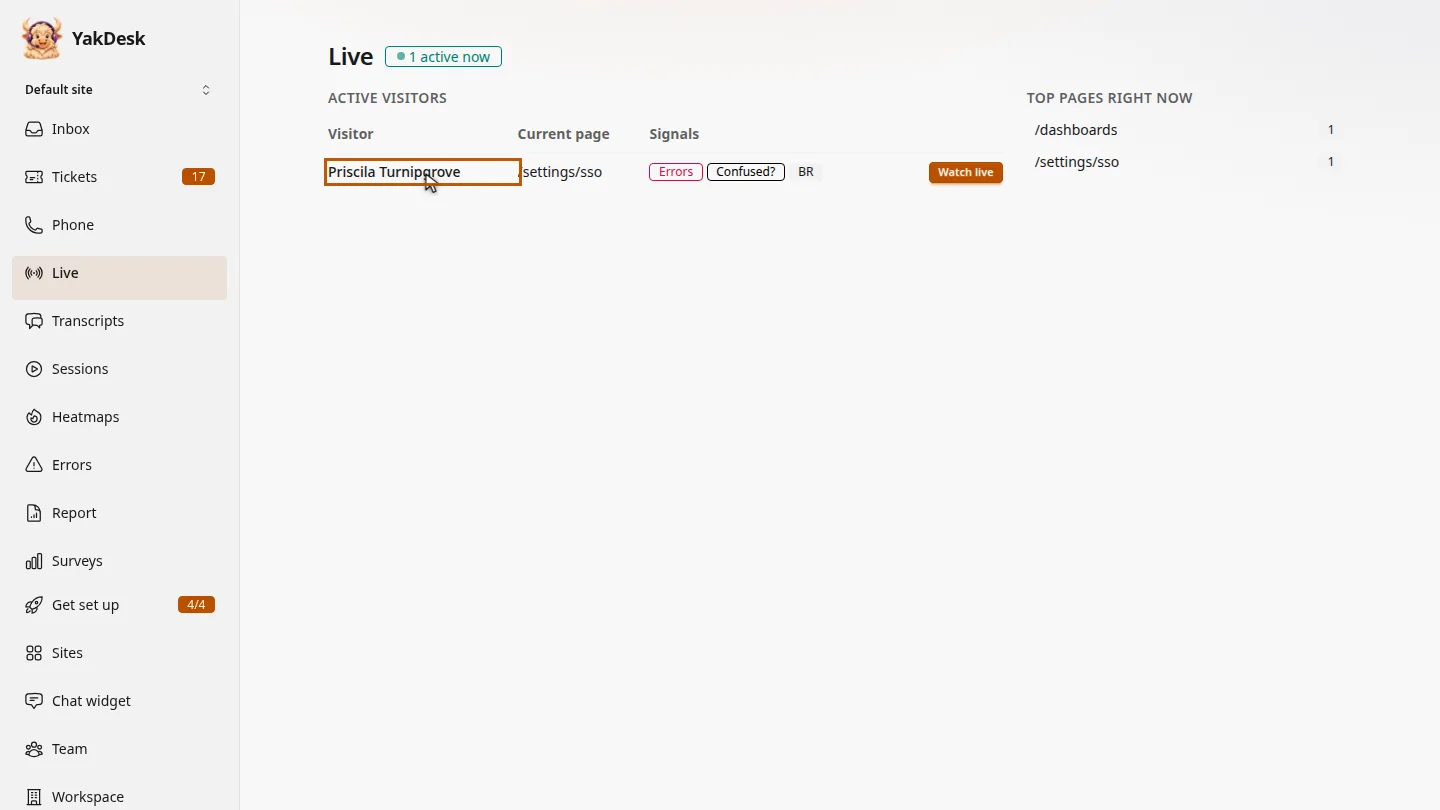
Open Live. Everyone active in the last five minutes is listed, with the page they're on and signals such as errors.
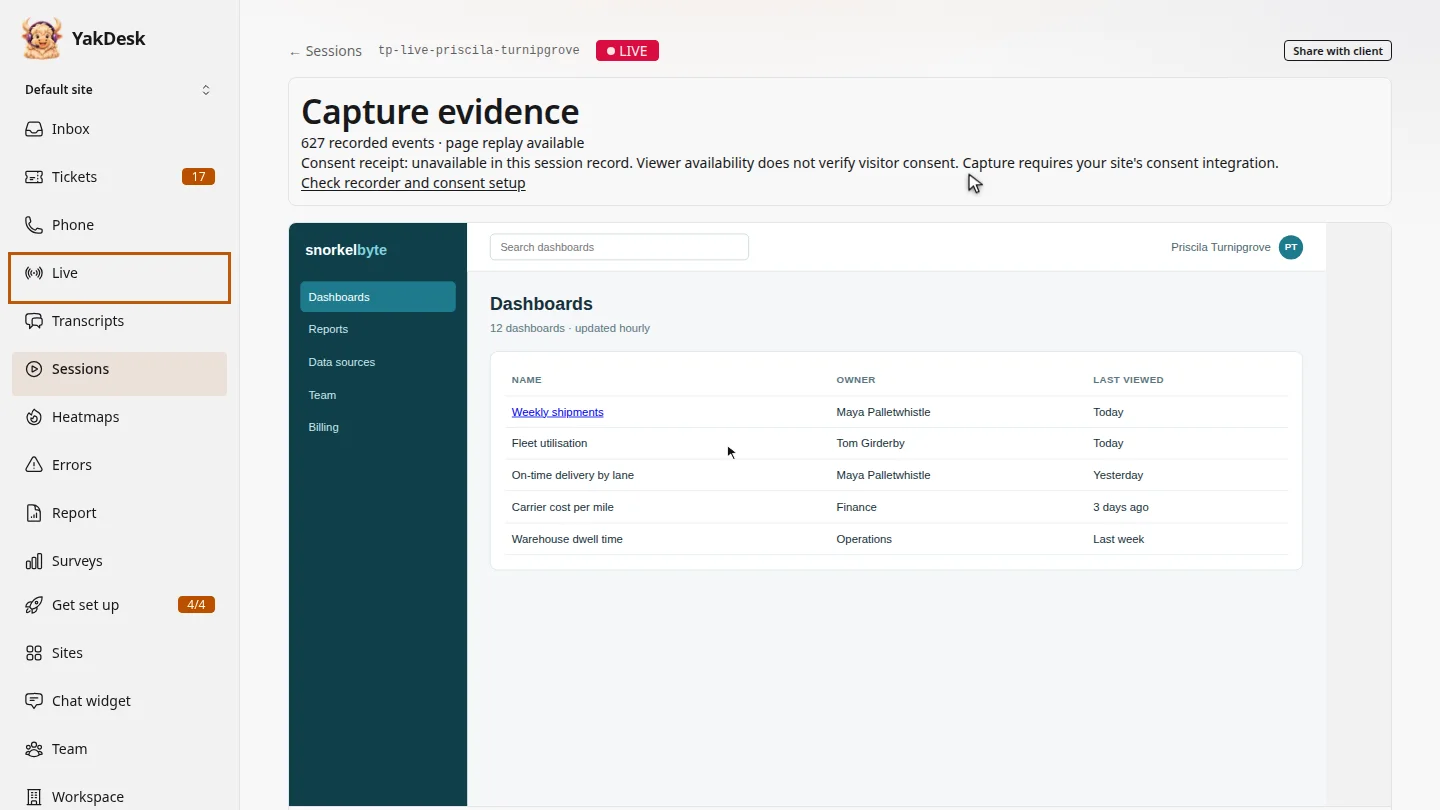
Select Watch live next to Priscila. Her session opens in a new tab with a red Live badge.
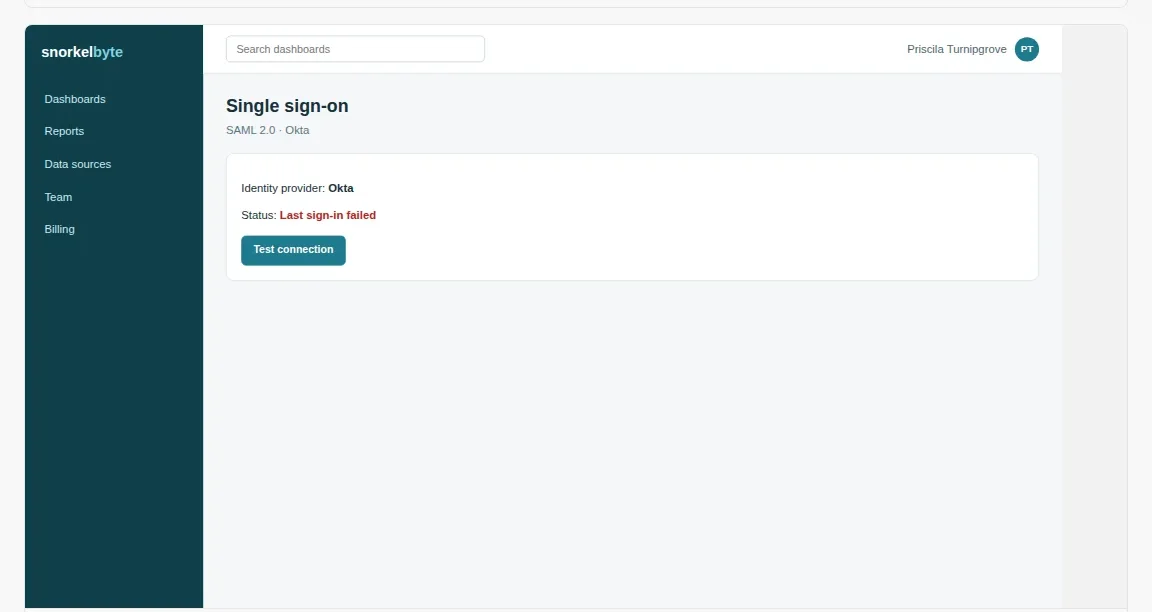
New activity streams in every few seconds. You see her cursor, her clicks and each page she opens, while she's still browsing.
Steps
See who's on your site ▶ 0:05
In the sidebar, select Live. Active visitors lists everyone recorded in the last five minutes, with their Current page and Signals.
Start watching ▶ 0:14
Select Watch live next to the visitor. The replay opens in a new tab, marked LIVE.
Follow along ▶ 0:20
Keep the tab open. The player adds the visitor's mouse moves, clicks and page changes every few seconds. Live ended appears after five minutes without activity.
Next steps
Updated 2026-11-09
real-time visitors live view co-browse who is on my site live session