
How to delete a feedback survey in YakDesk
When a survey has served its purpose, delete it so visitors stop seeing it. Deleting also removes its responses, so pause it instead if you want to keep the results.
Plays silently with captions; the narrated version is on its way.
Transcript
Remove a survey you no longer need, along with its responses.
Open Surveys and find the survey. Its response count and score are shown under it.
Select Delete and confirm. The survey and all its responses are removed. To keep the results, select Pause instead.
Steps
Find the survey ▶ 0:05
In the sidebar, select Surveys and find the survey.
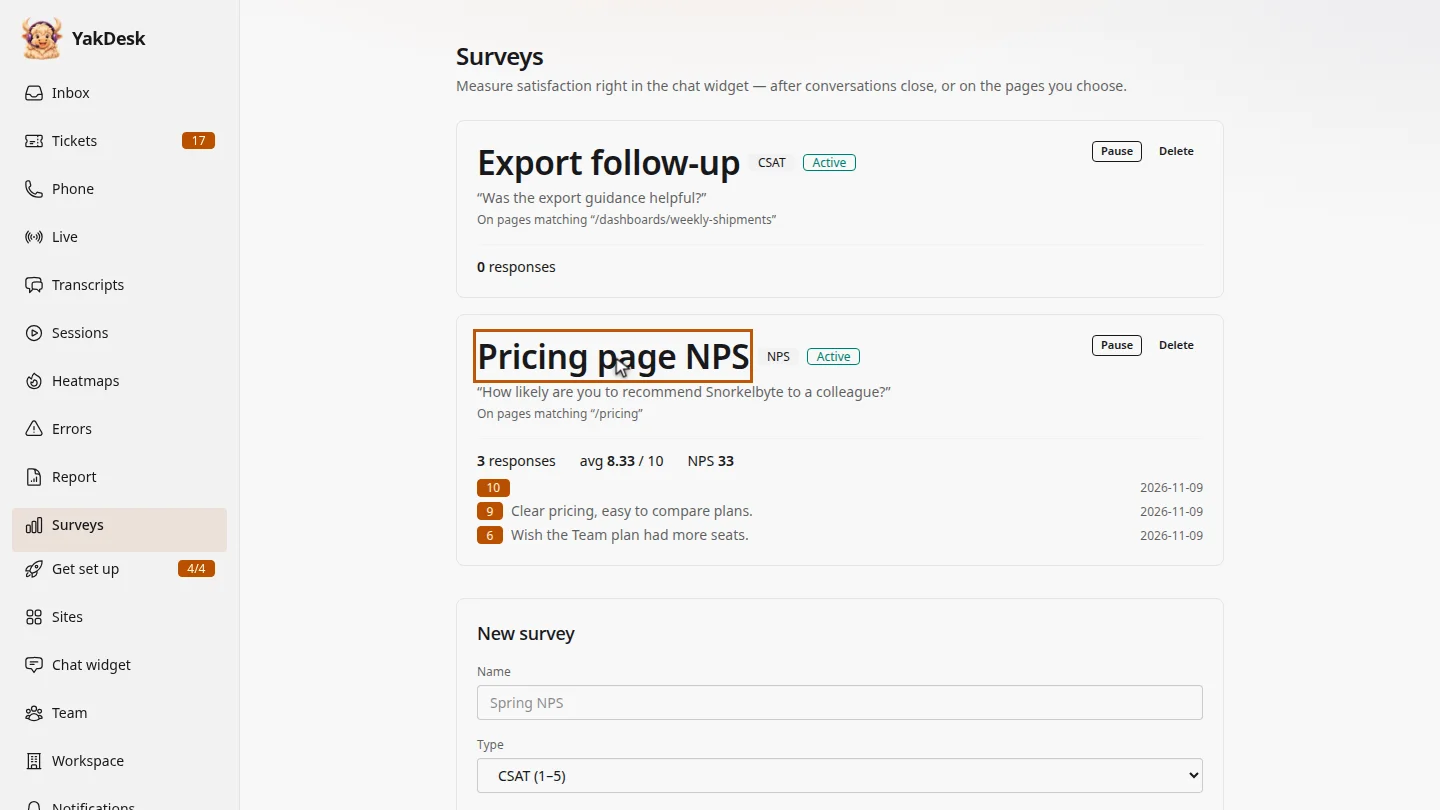
Delete it ▶ 0:12
Select Delete, then OK to confirm. The survey and its responses are deleted. To keep the results, select Pause instead.
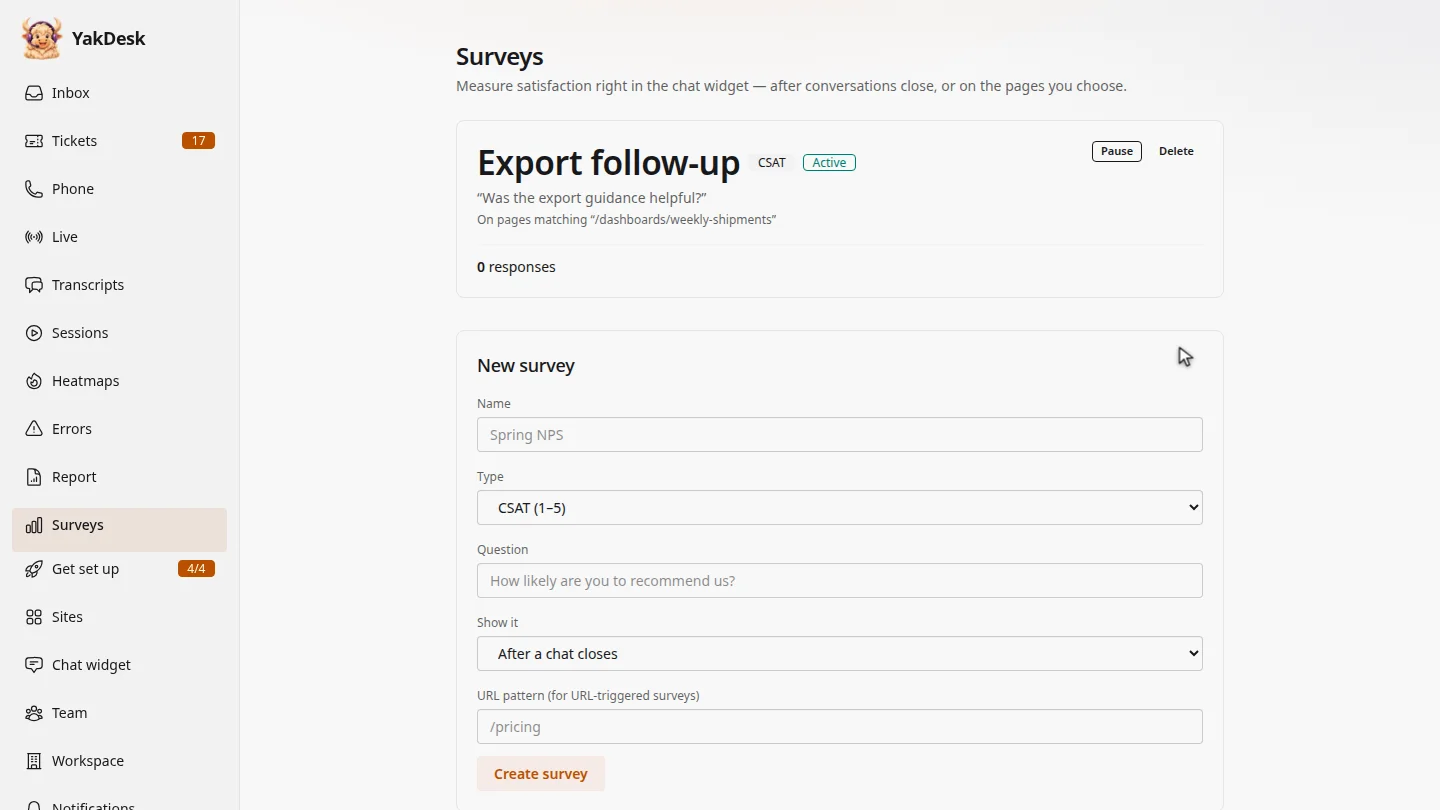
ResultThe survey and its responses are removed and visitors no longer see it.
Next steps
Updated 2026-11-09
remove survey delete nps stop survey