
How to delete a help center article in YakDesk
Old drafts and articles about retired features clutter the knowledge base and the article picker in replies. Delete the ones you'll never use again.
Plays silently with captions; the narrated version is on its way.
Transcript
Remove an article you no longer need from your knowledge base.
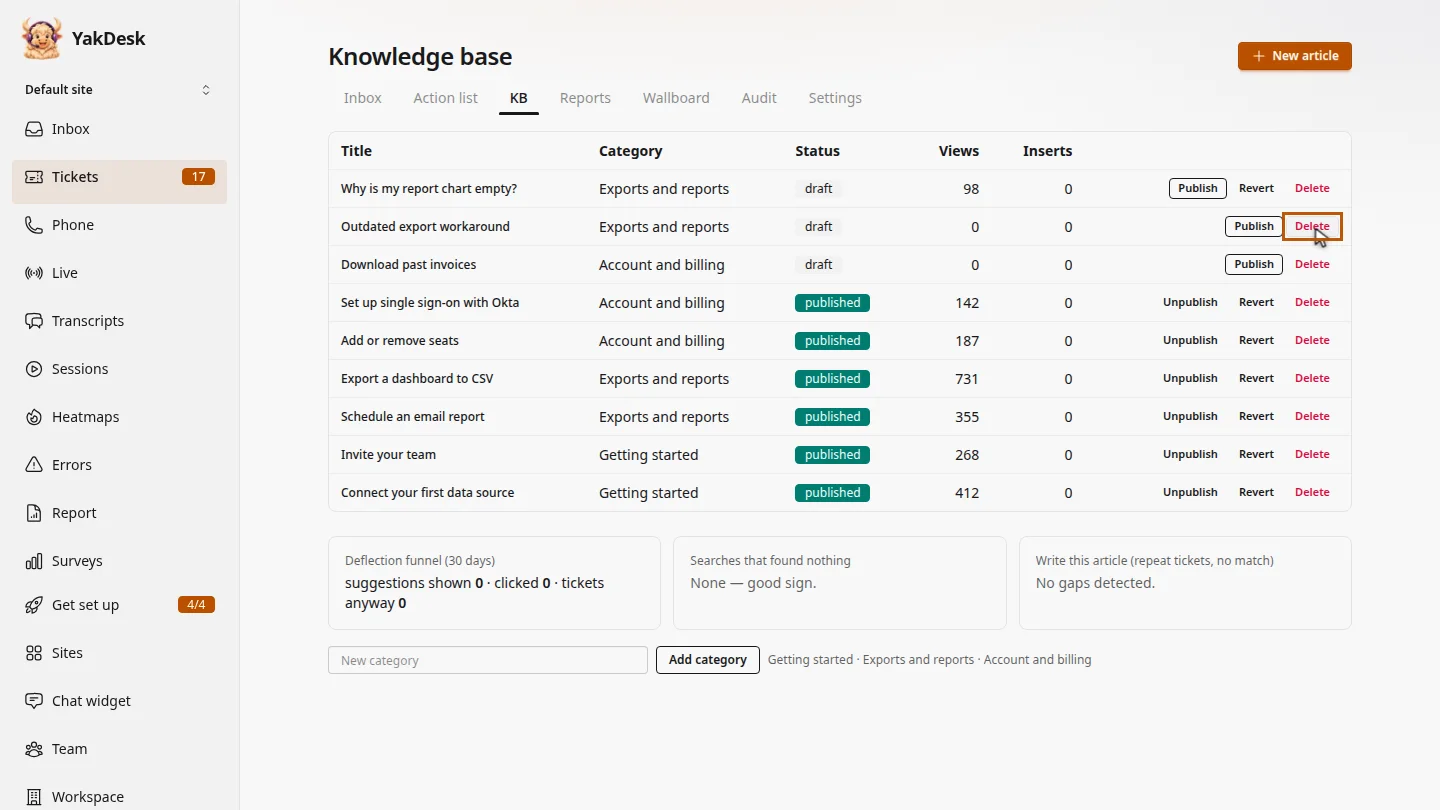
In Tickets, open the KB tab and find the article you no longer need. Here, an old draft about an export workaround. On its row, select Delete.
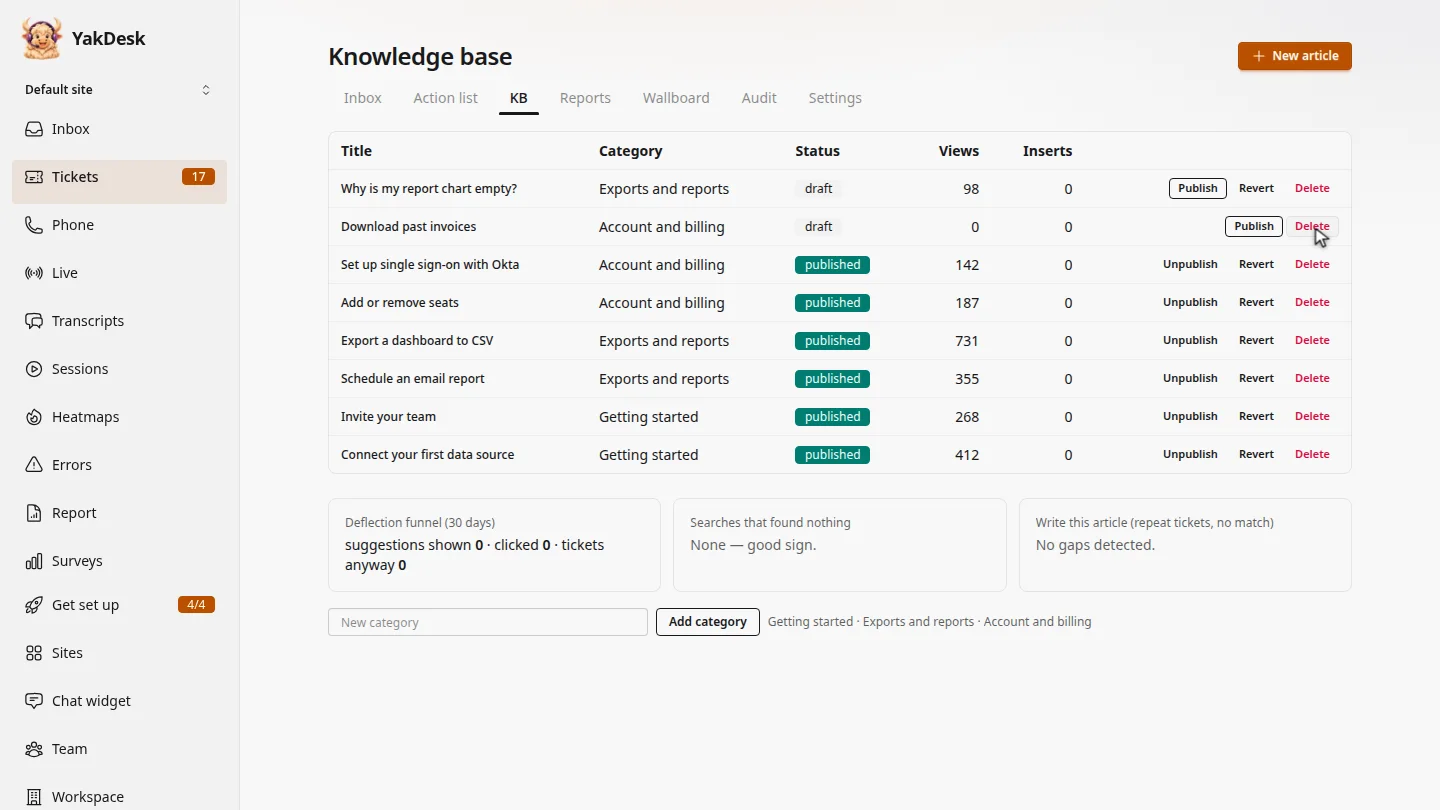
Confirm, and the article is removed from the list and your help center. Deleting can't be undone, so unpublish instead if you might need it again.
Steps
Select Delete ▶ 0:05
In Tickets, select KB. On the article's row, select Delete.
Confirm ▶ 0:16
Select OK to confirm. The article is deleted. This can't be undone; to hide an article but keep it, select Unpublish instead.
Next steps
Updated 2026-11-09
remove article delete kb article clean up knowledge base