
How to rename your workspace in YakDesk
The workspace name appears in the product header, so your team can tell at a glance which workspace they are in. Rename it when your company name changes or to match what your team calls it.
Before you start
- An Owner or Admin role in YakDesk
Plays silently with captions; the narrated version is on its way.
Transcript
Change the name your team sees for this workspace.
Open Workspace from the sidebar. Under Workspace name, replace the Name with the one your team already uses, for example Snorkelbyte.
Select Save workspace name. A confirmation appears, and the new name is used in every Yak product your team signs in to.
Steps
Enter the new name ▶ 0:04
In the sidebar, select Workspace. Under Workspace name, enter the new Name.
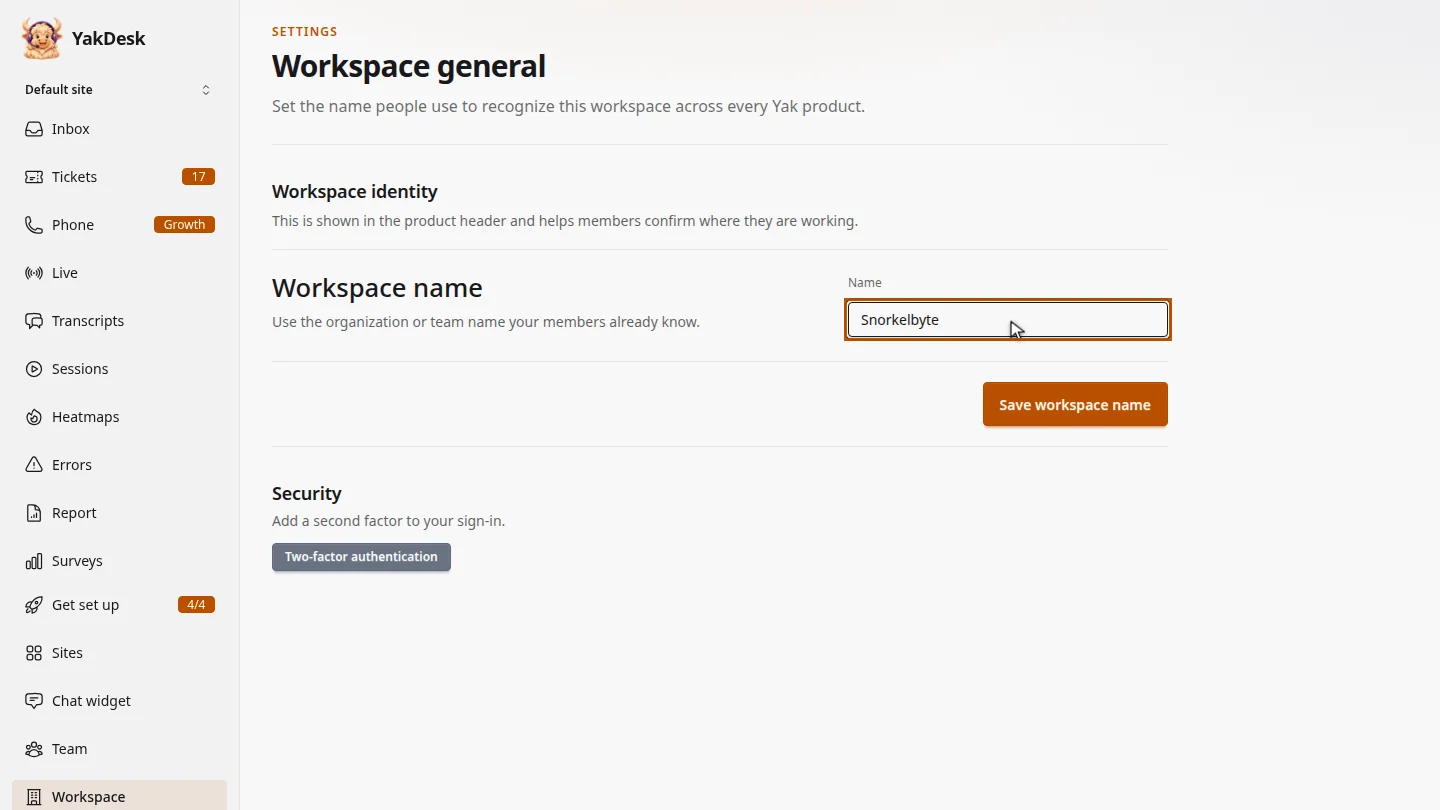
Save it ▶ 0:14
Select Save workspace name. A Workspace name saved. message confirms it.
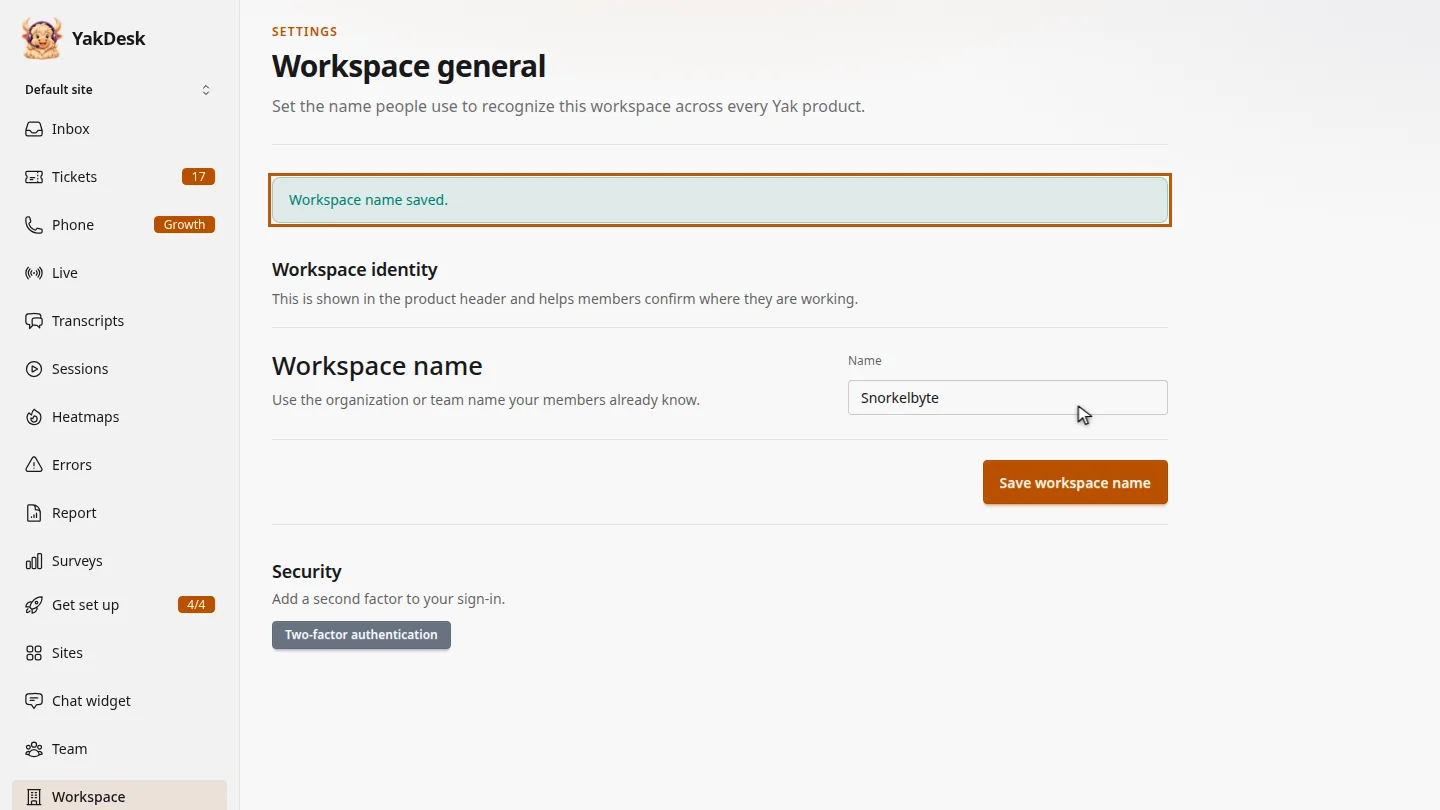
ResultThe new name appears wherever the workspace is shown, in every Yak product you use.
Next steps
Updated 2026-11-09
company name account name organization name