
How to track a client retainer in YakDesk
If you resell support to clients, you need to know what each one pays you. Client billing records the plan and price for every client site and adds them up as monthly recurring revenue. It's a ledger only: YakDesk doesn't charge your clients.
Before you start
- An Agency plan
- At least one client site (see Add a site)
Plays silently with captions; the narrated version is on its way.
Transcript
Record what each client pays you for support, and see your monthly recurring revenue in one place.
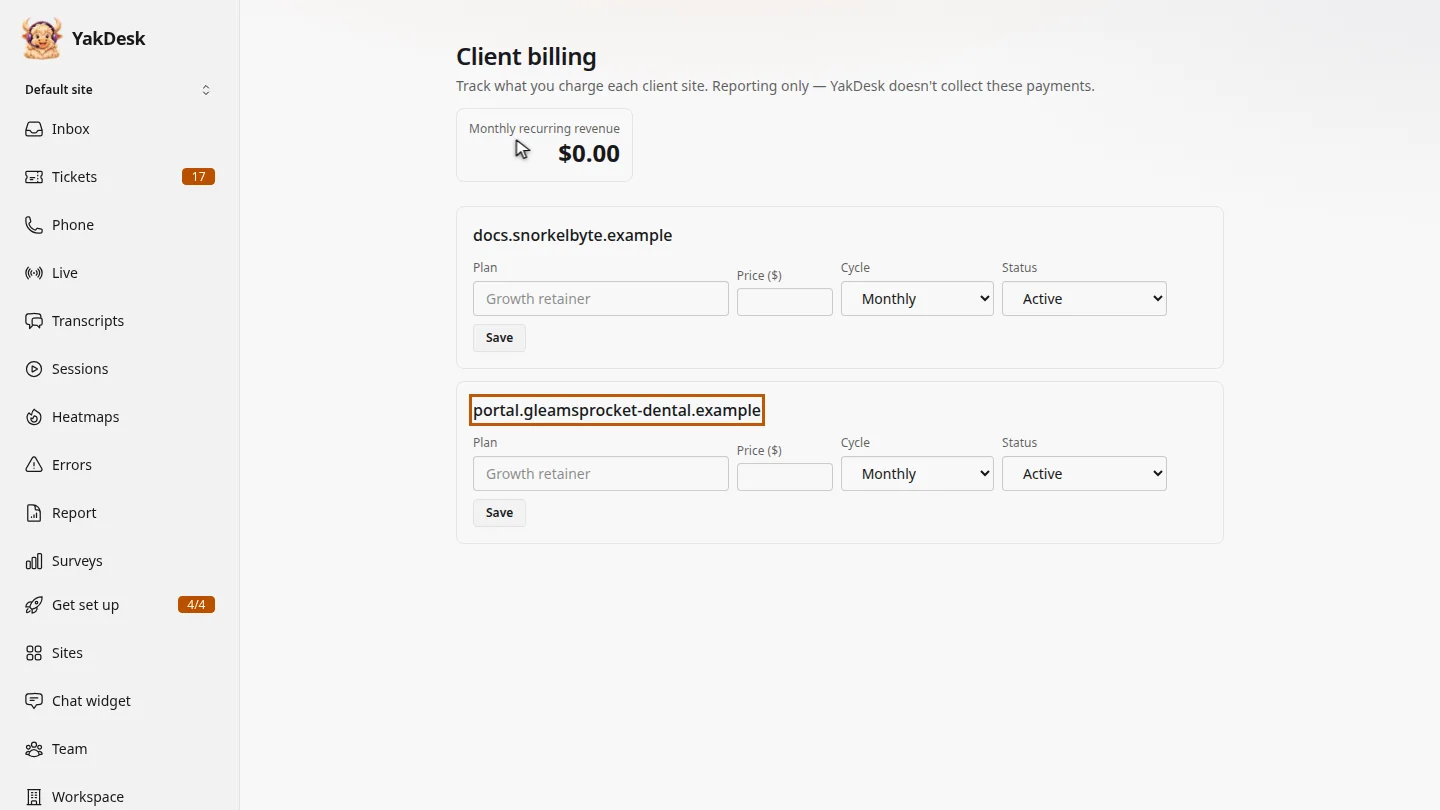
In the sidebar, select Sites, then Client billing, at the top of the page. Each client site has its own row, with a plan, a price, a billing cycle and a status.
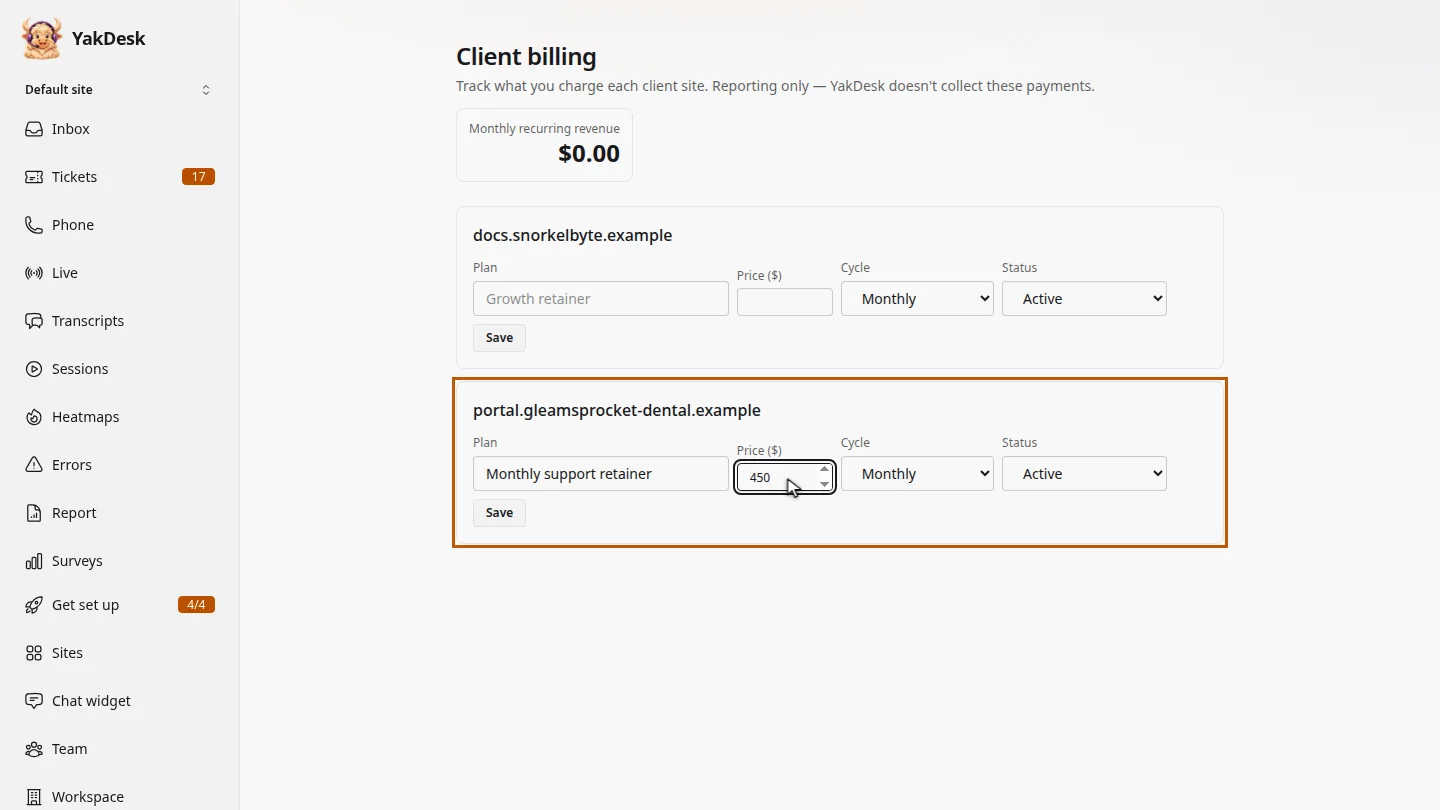
On the client's row, type the plan name and the price. Gleamsprocket Dental pays a support retainer of 450 dollars.
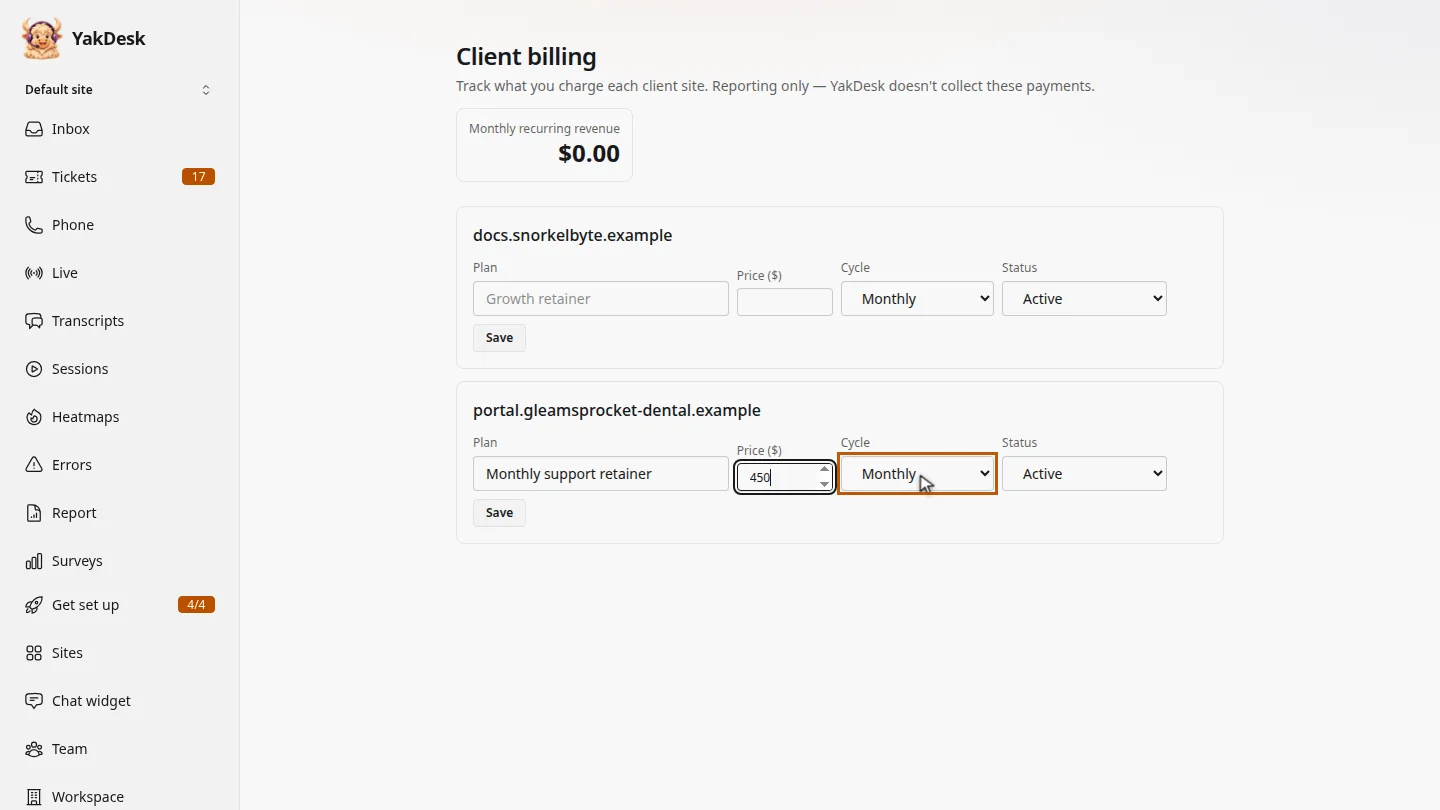
Then choose how often they pay. Gleamsprocket pays every month, so keep Monthly. Leave Status as Active while the retainer is running.
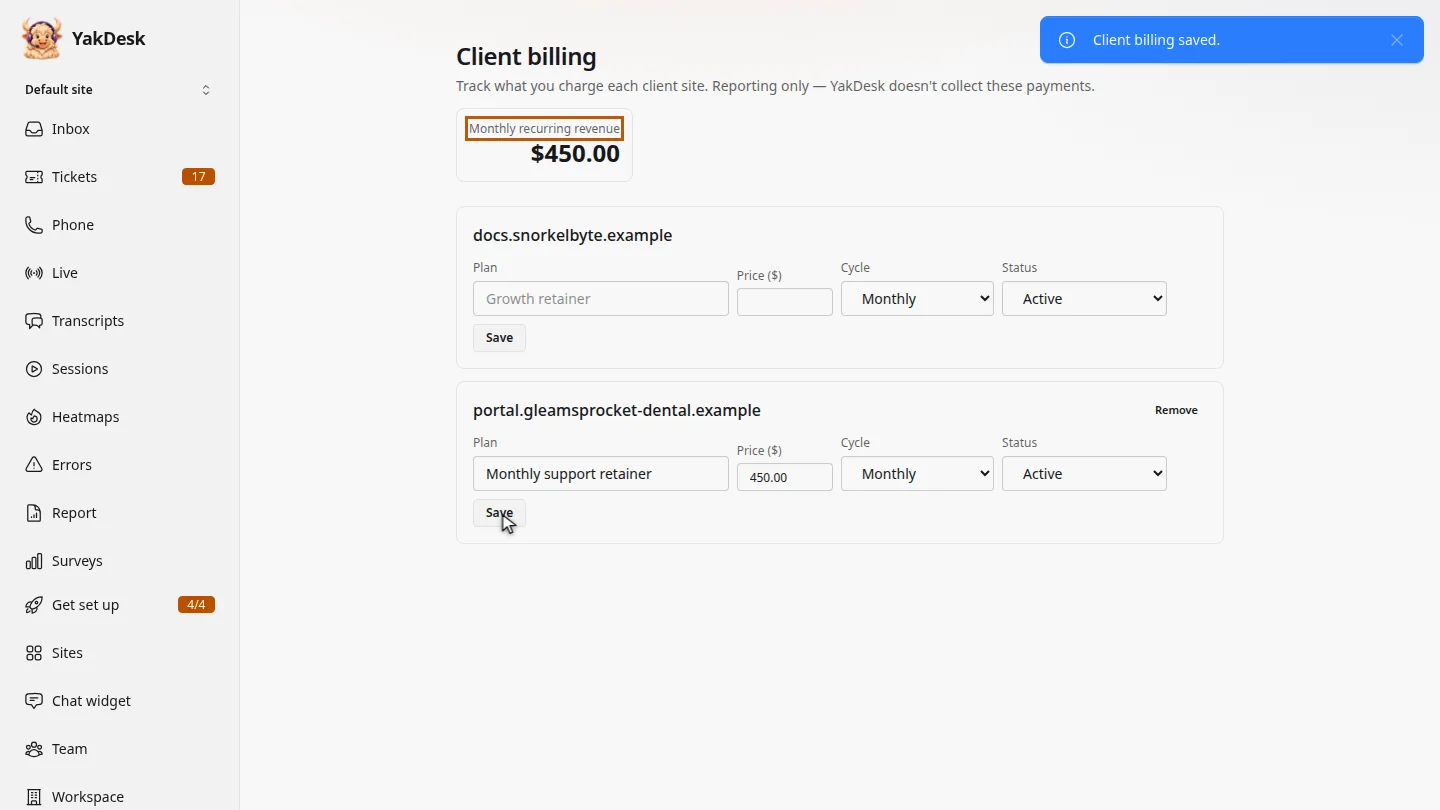
Select Save. YakDesk confirms Client billing saved, and Monthly recurring revenue now includes the retainer. You still invoice the client yourself.
Steps
Open Client billing ▶ 0:08
In the sidebar, select Sites, then select Client billing →.
Enter the plan and price ▶ 0:20
On the client's row, type the Plan name and the Price ($).
Choose the cycle and status ▶ 0:28
For Cycle, choose Monthly or Annual. Leave Status as Active, or choose Paused or Canceled when the retainer stops.
Save ▶ 0:38
Select Save. Monthly recurring revenue updates to include the retainer.
Next steps
Updated 2026-11-09
agency billing client retainer reseller MRR client sites