
How to change your agent name in YakDesk
Visitors see an agent name on every chat reply. Set the name you want them to see, such as your first name, without changing your account details.
Before you start
- An Owner or Admin role in YakDesk
Plays silently with captions; the narrated version is on its way.
Transcript
Choose the name visitors see when you reply in chat.
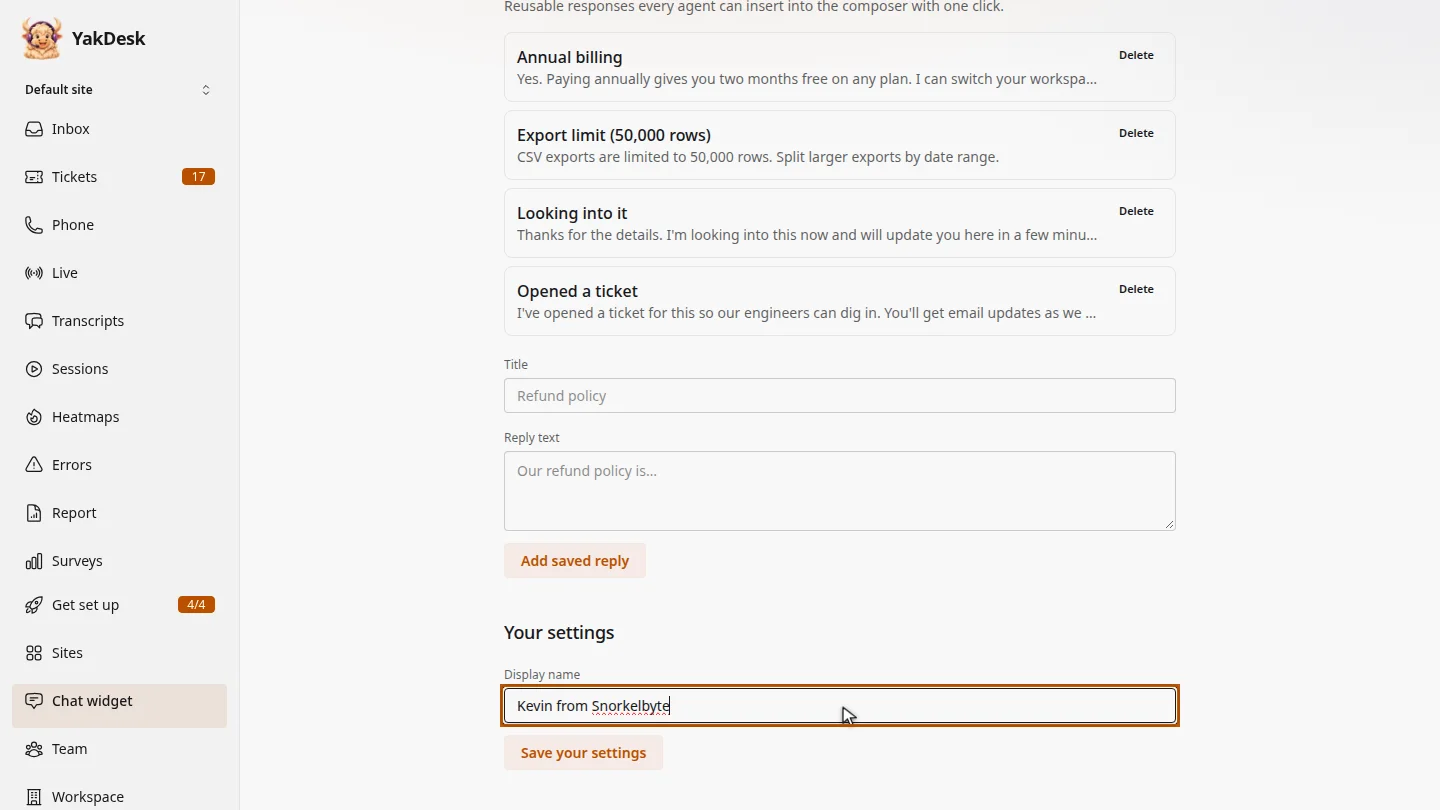
Open Chat widget and scroll down to Your settings. In Display name, enter the name visitors should see next to your replies, for example Kevin from Snorkelbyte.
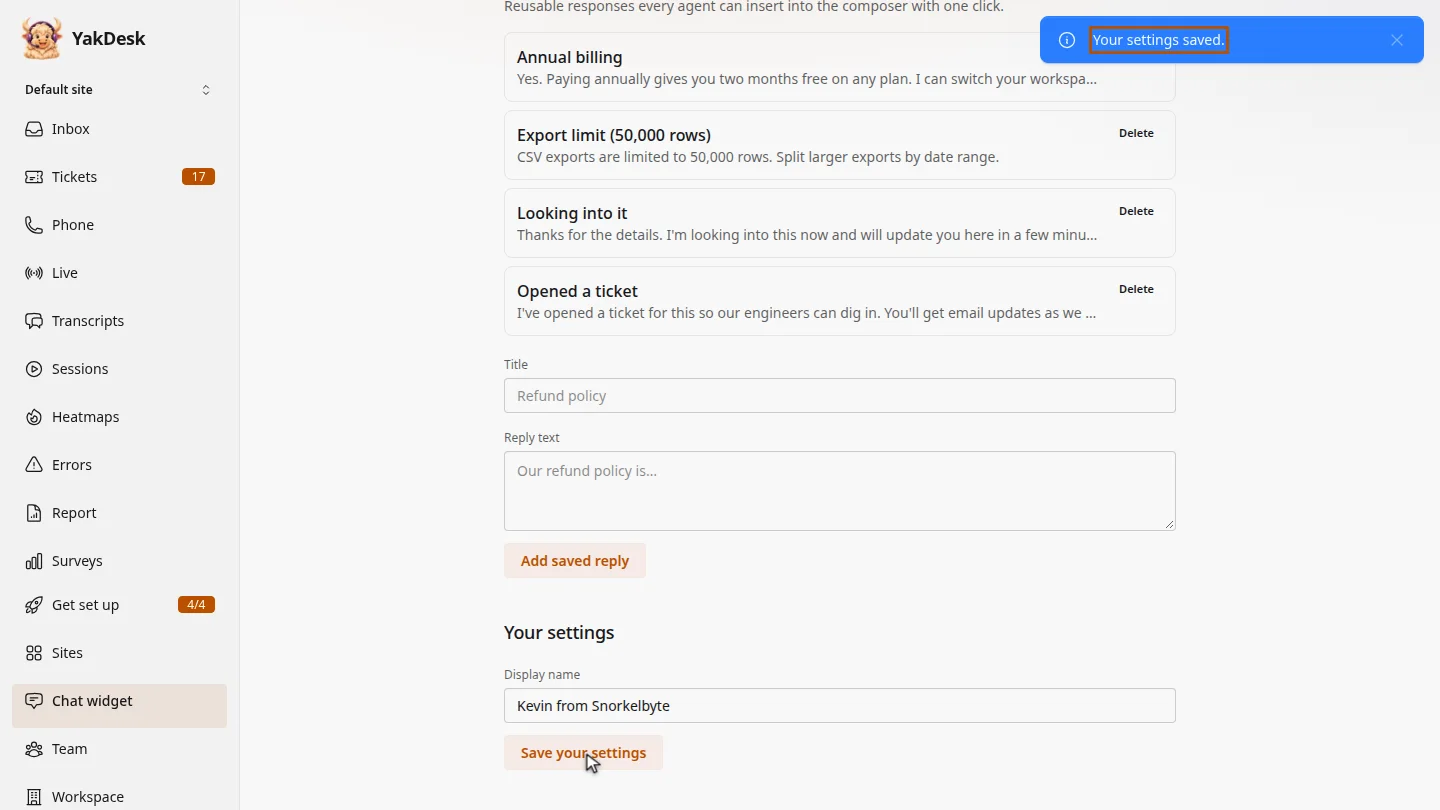
Select Save your settings. Your account name stays the same; only the name on your chat replies changes.
Steps
Enter a display name ▶ 0:05
In the sidebar, select Chat widget. Under Your settings, enter a Display name.
Save it ▶ 0:16
Select Save your settings. A Your settings saved. message confirms it.
ResultYour new display name appears on your chat replies.
Next steps
Updated 2026-11-09
display name agent profile chat name nickname