
How to reply to and solve a ticket in YakDesk
When the fix is in, tell the customer and close the loop in one step. Send and solve emails your reply and marks the ticket solved; if the customer writes back, the ticket reopens on its own.
Before you start
- A Growth or Agency plan (tickets are included)
Plays silently with captions; the narrated version is on its way.
Transcript
Send the customer your answer and mark the ticket solved, in one step.
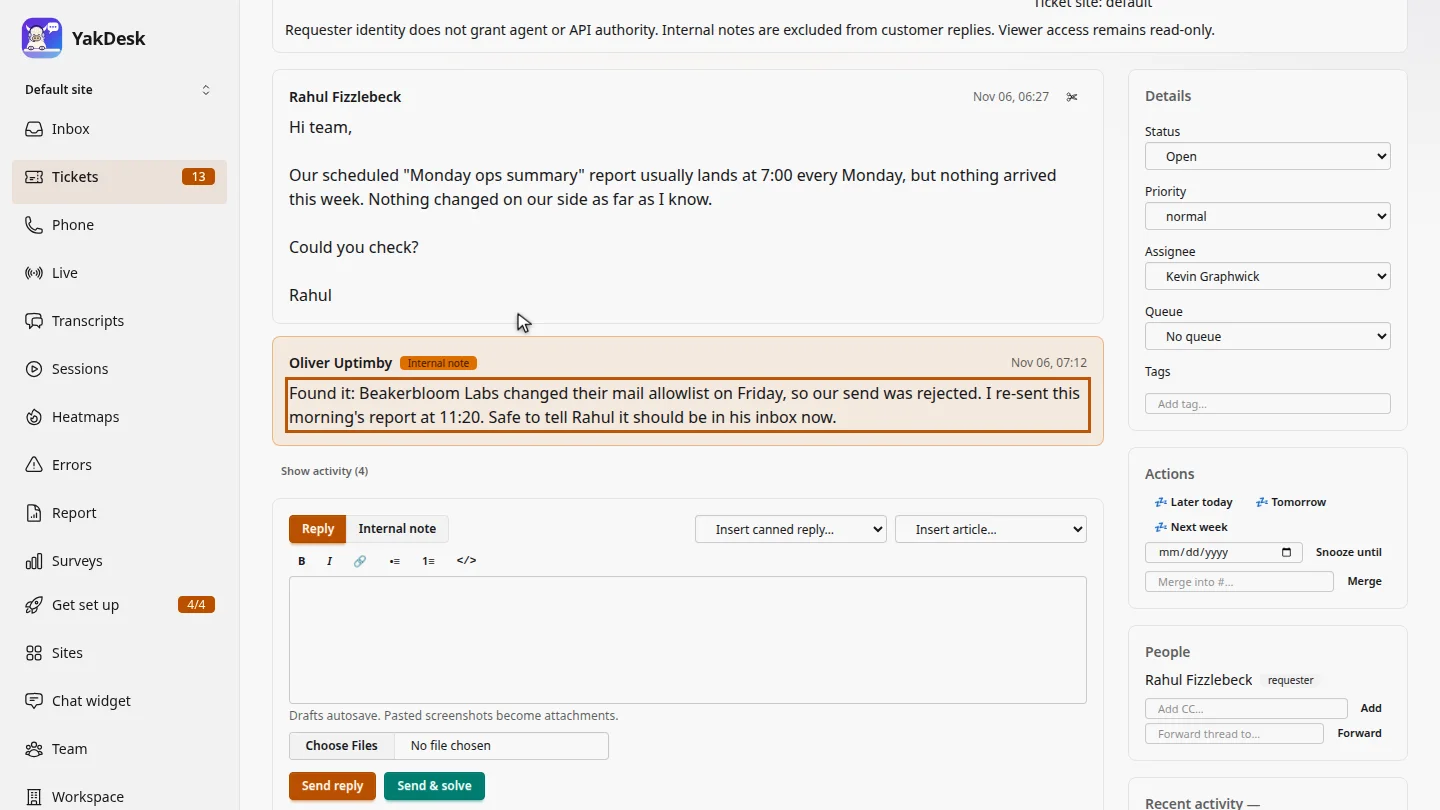
In Tickets, open the ticket. Read the conversation first. Here, Oliver's internal note says the report has been re-sent. Customers never see internal notes.
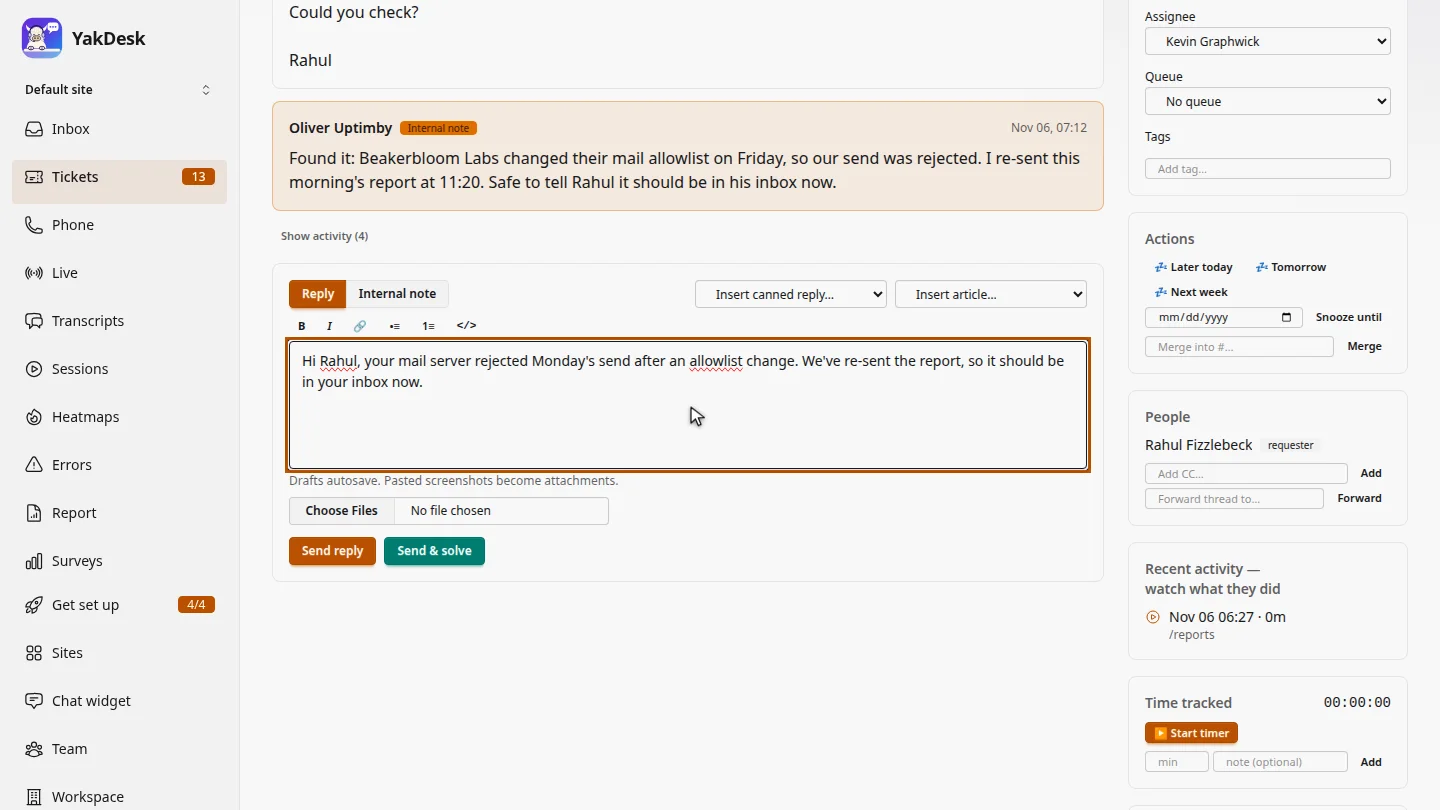
In the composer, with Reply selected, write your answer to the customer.
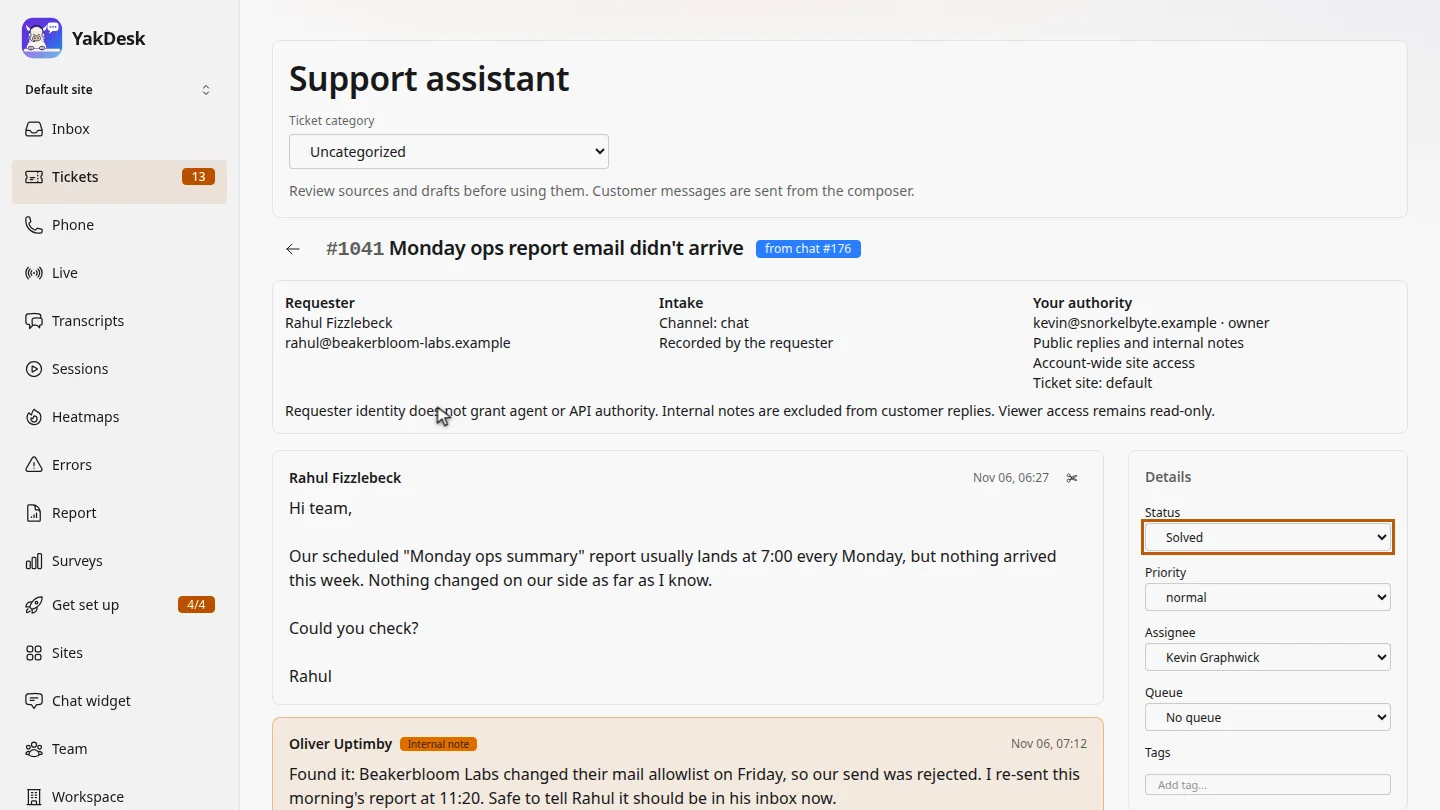
Select Send and solve. The status changes to Solved, and your reply waits a few seconds, so you can undo it, before it's emailed to Rahul.
Steps
Open the ticket ▶ 0:06
In the sidebar, select Tickets, then select the ticket's subject. Read the thread, including any Internal note.
Write your reply ▶ 0:17
In the composer, keep Reply selected and type your answer.
Send and solve ▶ 0:23
Select Send & solve. Status changes to Solved. The reply shows Sending in with an Undo link for a few seconds, then it's emailed.
Next steps
Updated 2026-10-26
solve ticket close ticket reply by email resolve support request